Academic research: charting a review across a few hundred papers
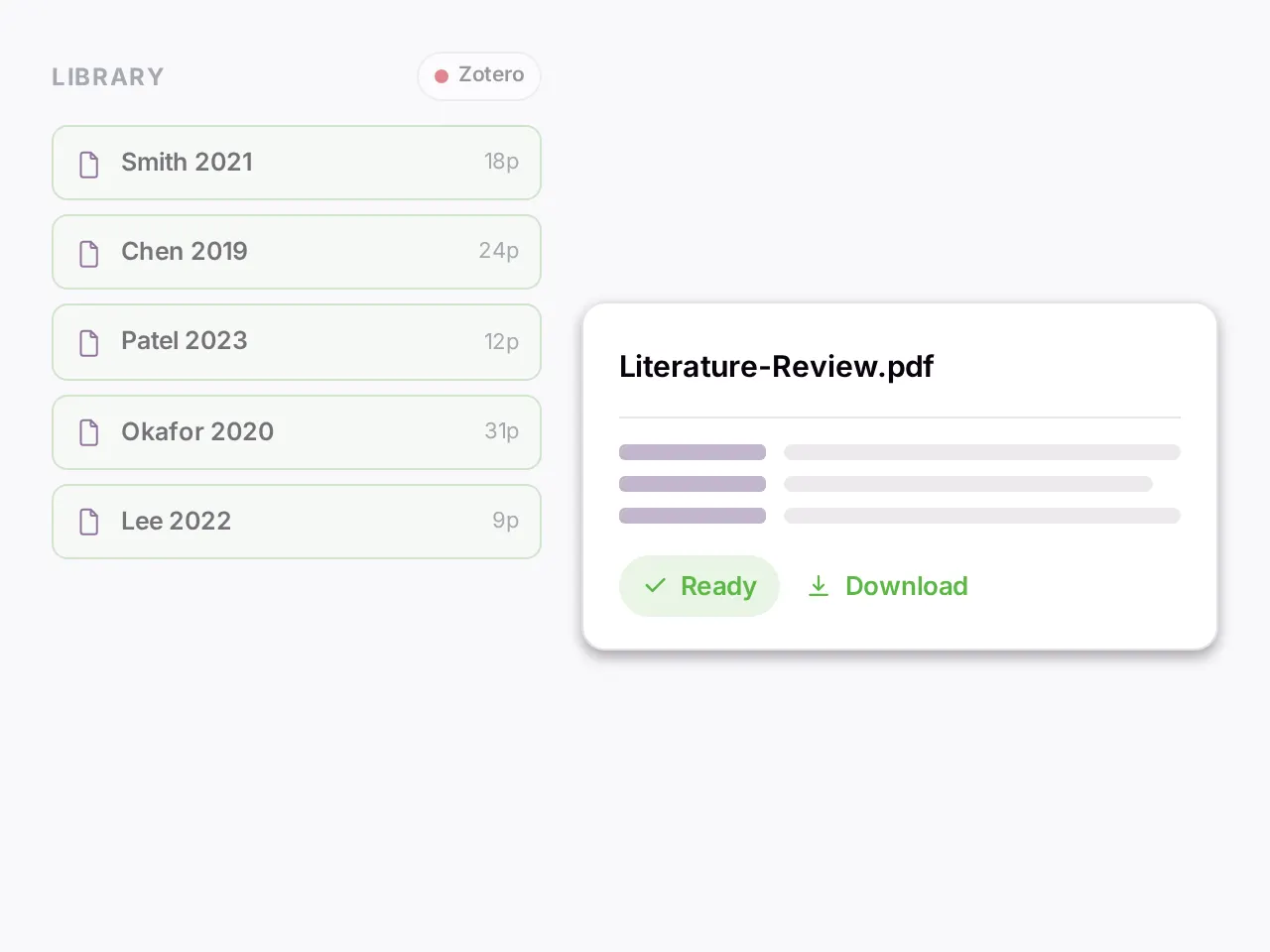
Researchers use it for scoping and systematic reviews, evidence tables, a thesis corpus, and the papers behind a grant. Take charting a scoping review. The set is the forty papers that survived screening, or the few hundred a research programme has accumulated, plus theses that run to three hundred pages. The job is not to find them. You have found them. The job is to pull the same facts out of every one, record each fact the same way, and keep a trail back to the page it came from. In a scoping review that step is called charting. In a systematic review it is called data extraction. A peer reviewer will test the table it produces.
How it works here
One search cannot do that job. It answers a question about the corpus. Charting asks the same fourteen questions of every paper, one paper at a time, and needs one row per paper rather than a blended summary. That is what the Individual workflow does. Give it the form and the label that holds the papers. It runs the form against each paper separately and returns one record per paper. Each value comes back with the passage it was read from and where in the paper that passage sits. A field carrying a quote and a page is one you can check in ten seconds instead of rereading the article.
For the questions that need reasoning across the set, open a Focus chat on the same label. Which studies measured the outcome the same way. Where the two trials that report opposite results differ in method. The assistant searches, reads, and searches again. Each claim opens the paper at the page. When the review is written, draft it in Co-work chat. The citations attach to the sources as you write, so the draft and its evidence stay in one place.
Your library comes with you. Zotero and Mendeley connect on paid plans, and you import from your collections rather than rebuilding them. A folder of PDFs works on every plan. A corpus can mix languages. You can ask in one language about a paper in another, and the answer cites the original. Scanned material is read on upload in more than forty languages.
In practice
Forty included reports, one charting form with fourteen fields: study design, country, sample size, population, intervention, comparator, outcome measures, funding source, and so on. The Individual workflow runs the form against each report and returns forty records. Open the run in a Focus chat on the same label and pick one value that looks wrong, say a sample size that reads as 1,240 for a pilot study. Ask where it came from. The answer quotes the passage and the citation opens the paper at the table the number was read from, which is where you find the 1,240 was the screened count and 124 the enrolled one. You correct the record, note the check, and move on. That check, ten seconds per value against the source, is the whole method.
Related jobs
- Data extraction for a systematic review runs on the same mechanics as charting. Appraisal and synthesis stay with the reviewer.
- A literature review matrix is the Data Extractor with the columns you would otherwise fill by hand.
- Comparing how two trials defined an outcome is a Focus chat question.
- Writing the methods section with citations is Co-work chat.
- It will not produce the flow diagram, run the search, or decide what is in.
Limits
- It does not search the literature. It sees the papers you give it and nothing else.
- It does not deduplicate, screen, or decide eligibility. It does not appraise study quality or synthesise evidence. Those judgments stay with the reviewer.
- Everything it charts is a candidate value. A human checks each one against the source before it is counted, and the protocol should say that AI was used for charting and how.
- It is not a reference manager. Zotero stays where it is.
- A single thesis fits the Community plan. The paid plans are built for a programme that repeats the job every year.
Other tools to consider
- Covidence or Rayyan for screening, which is the step before this one.
- NotebookLM, ChatGPT or Claude for one seminar's reading list.
- Zotero for managing references, which docAnalyzer imports from rather than replaces.
Getting started
- Upload the included reports as PDFs, or connect Zotero and import the collection. Put them in one label.
- Write the charting form as a list of fields with a one-line definition each.
- Run the Individual workflow with the form as the question.
- Verify the first ten records against the source before running anything else, and record who checked them.
The Community plan covers a small pilot set. The plan comparison lists the caps. Read more on the academic research page, in the scoping review charting guide, and in the docs on asking every document the same question and capturing context with notes.
Legal and compliance: contract review across hundreds of agreements
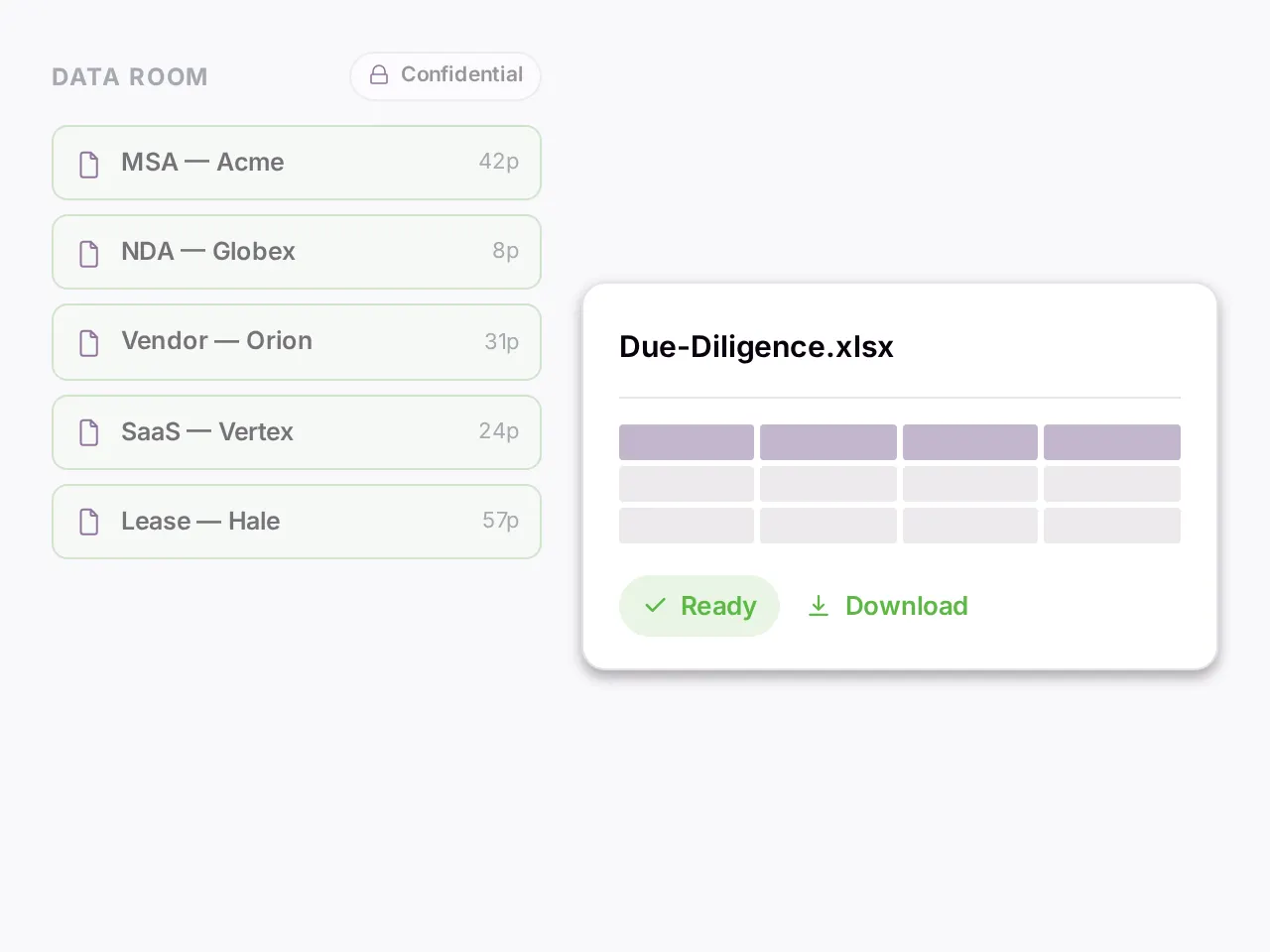
Legal and compliance teams use it for contract review, due diligence, compliance audits against a control set, and reading a discovery production. Take contract review. The set is a data room for a deal, a portfolio of two hundred vendor agreements, or the paper the other side sent. The question is rarely "what does this agreement say". It is "which of these deviate from our standard indemnity language". Or "which carry a change-of-control clause". Or "what did we agree to on liability across the whole set". Nobody is paying for the reading. They are paying for the exception list. They are paying for the confidence that nothing was missed.
How it works here
One search cannot answer that. You cannot decide what to look for until you have read the standard. Point a Focus chat at the set and ask the question. It reads your template first. Then it searches each agreement for the matching clause and reads that clause in full, not an excerpt. It compares. Where the first pass came back thin, it searches again. Every claim in the answer carries a reference that opens the agreement at the section. A partner checking the work clicks instead of rereading. That is what agentic means here. The assistant chooses its next search from what it has already read.
The same engine runs across the set in bulk. The Data Extractor takes your schema: parties, effective date, termination, liability cap, change of control. It returns one row per agreement and one column per field. Each cell is cited to the page it was read from. Blueprint audits each agreement against your firm's template. It reports gaps, matches and deviations per document. Before either, Smart Search and Selection assembles the set from a description. "Agreements with a change-of-control provision" pulls the matching documents into your working set. You triage before you read.
You leave with a spreadsheet you would hand to an associate. You leave with an exception list you would put in front of the client. If you draft in Co-work chat, you leave with a memo. Its citations attach as you write.
In practice
Two hundred vendor agreements in a label, and the question is which of them cap the vendor's liability below twelve months of fees. A Focus chat searches each agreement for the limitation-of-liability clause, reads each clause in full, and compares the cap against the fee schedule the same agreement defines. The answer is a list: the agreement, the cap as written, the reference. Click one and the agreement opens at the clause. Ask the follow-up, which of those also exclude consequential damages, and the assistant searches again inside the same set rather than starting over. Then ask for the whole result as a spreadsheet with a column per term. It arrives as a download you can send.
Related jobs
- Due diligence document review in a data room is the same job with a checklist as the standard.
- Compliance review against a control set is Blueprint with the controls as the reference.
- A contract review checklist run across a portfolio is Blueprint with the checklist as the reference.
- Comparing a counterparty's paper to your form is one Focus chat question per clause family.
- Discovery review is where the line falls. Reading and searching a production set works. Legal hold, privilege logging and producing documents do not. An eDiscovery platform keeps that job.
Limits
- Not a contract lifecycle system. There is no repository, no approval routing, no e-signature, no renewal alert.
- No redlining inside the agreement. Uploaded documents are read-only, and drafting happens in Notes.
- Not eDiscovery. There is no legal hold, no production set, no privilege log.
- Scan quality sets the ceiling. Typed scans read well on upload. A higher-accuracy pass on a bad scan costs a credit per page, whether or not it improves the result.
- A candidate answer with its sources, not a legal opinion.
- Privileged material is never used to train models and is isolated per tenant. A request reaches the model provider you select and no other. The security page names each one.
Other tools to consider
- Harvey or Hebbia, if the requirement is the enterprise wrap and the budget clears a six-figure floor.
- A CLM, if the problem is the lifecycle rather than the review.
- ChatGPT or Claude, if it is one contract.
Getting started
- Upload one matter's agreements, scans included, and label them.
- Ask the deviation question against your template. Click three citations before you trust any of them.
- Run the Data Extractor with the five terms you always abstract.
- Compare the table to the one your associate would have produced. Check the cells that differ.
Read more on the legal and compliance page, in the closing binder guide, and in the docs on extracting structured data and auditing against a reference.
Real estate: lease abstraction and title review across a portfolio
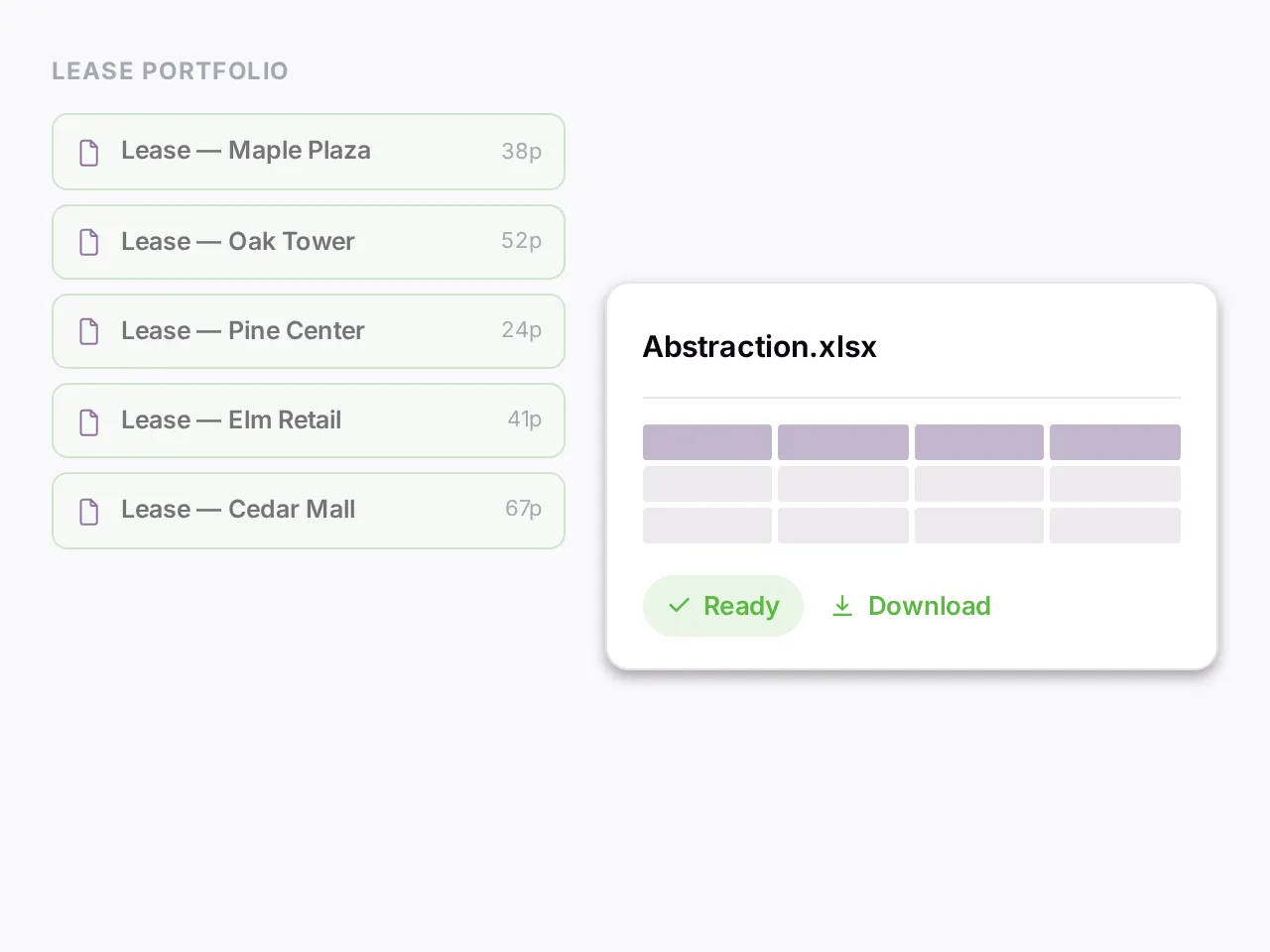
Real estate teams use it for lease abstraction, title and closing review, estoppel checks, and lease compliance across a portfolio. Take lease abstraction. The set is the leases behind an acquisition or a portfolio of two hundred agreements under management. Every lease carries the same structural information. Every analyst spends the week pulling it into the same template. The reading is not the work. Building the table is the work. Until now you had to read to fill it.
How it works here
Define the abstraction template once: base rent, escalations, renewal options, exclusive uses, CAM provisions, assignment language. The Data Extractor runs it across every lease in the label and returns one row per lease and one column per field. Every cell is cited to the page it was read from. An abstraction you cannot check is an abstraction you redo, so the check is built into the output. For the questions that cut across the portfolio, Smart Search and Selection assembles the set from a description. "Leases with an insurance escalation clause" or "leases with an exclusive-use restriction" pulls the matching agreements into a working set without opening each one. Blueprint audits an incoming lease against your preferred form and flags the deviations before signature, so negotiation starts from a list.
Title work runs the same way with a different reference. The commitment, its exceptions and the underlying instruments go in as one set, and the review runs against the checklist your practice already uses. The title search package guide walks that job step by step.
Old portfolios are the honest test. A thirty-year-old lease is a scan, often with handwritten amendments. Typed scans are read on upload at no cost. Handwriting and faint copies are the ceiling, and a higher-accuracy pass on a bad page costs a credit per page whether or not it improves the result. Clean PDFs, scanned originals and Word amendments sit in the same set. The same template runs across all of them.
In practice
A portfolio of one hundred and twenty leases comes with an acquisition, and the buyer's question is which tenants can assign without landlord consent. Smart Search and Selection pulls the leases whose assignment language matches the description. A Focus chat on that set reads each assignment clause in full, including the amendments that changed it, and answers per lease with a reference. One lease answers differently from its abstract in the seller's data room. The citation opens the second amendment, where the consent requirement was struck. Confirming it took one click.
Related jobs
- Estoppel review against the lease is Blueprint with the lease as the reference.
- A commercial lease review against your preferred form is the same run with the form as the reference.
- Rent roll checks pull the rent and escalation terms into a table and compare them to the roll.
- CAM reconciliation is where the line falls. The CAM clauses, the caps and the exclusions extract cleanly into a table. Reconciling the charges against the ledger is arithmetic over records you keep elsewhere. docAnalyzer reads documents, not ledgers.
Limits
- Not a lease administration system. There is no rent roll, no CAM reconciliation ledger, no critical-date alert, no accounting integration.
- Not a title plant. It does not order searches or record documents.
- Every abstracted value is a candidate you verify against the page before it enters a model.
- It reads the documents you upload. It does not pull leases from a property management system.
Other tools to consider
- A lease administration platform, such as those from MRI, Yardi or Accruent, when the requirement is the system of record rather than the abstraction.
- Your title company for the search itself.
- ChatGPT or Claude for one lease.
Getting started
- Upload the leases from one property, amendments included, and label them by property.
- Define the abstraction template as a list of fields. Run the Data Extractor.
- Open the finished run in a chat and ask for the rows sorted by expiry as a spreadsheet.
- Pick three cells at random and click through to the page. The scanned leases will tell you quickly whether the higher-accuracy OCR pass is needed.
Read more on the real estate page, in the title search package guide, and in the docs on extracting structured data and picking documents with natural language.
Insurance: claims file review against the policy wording
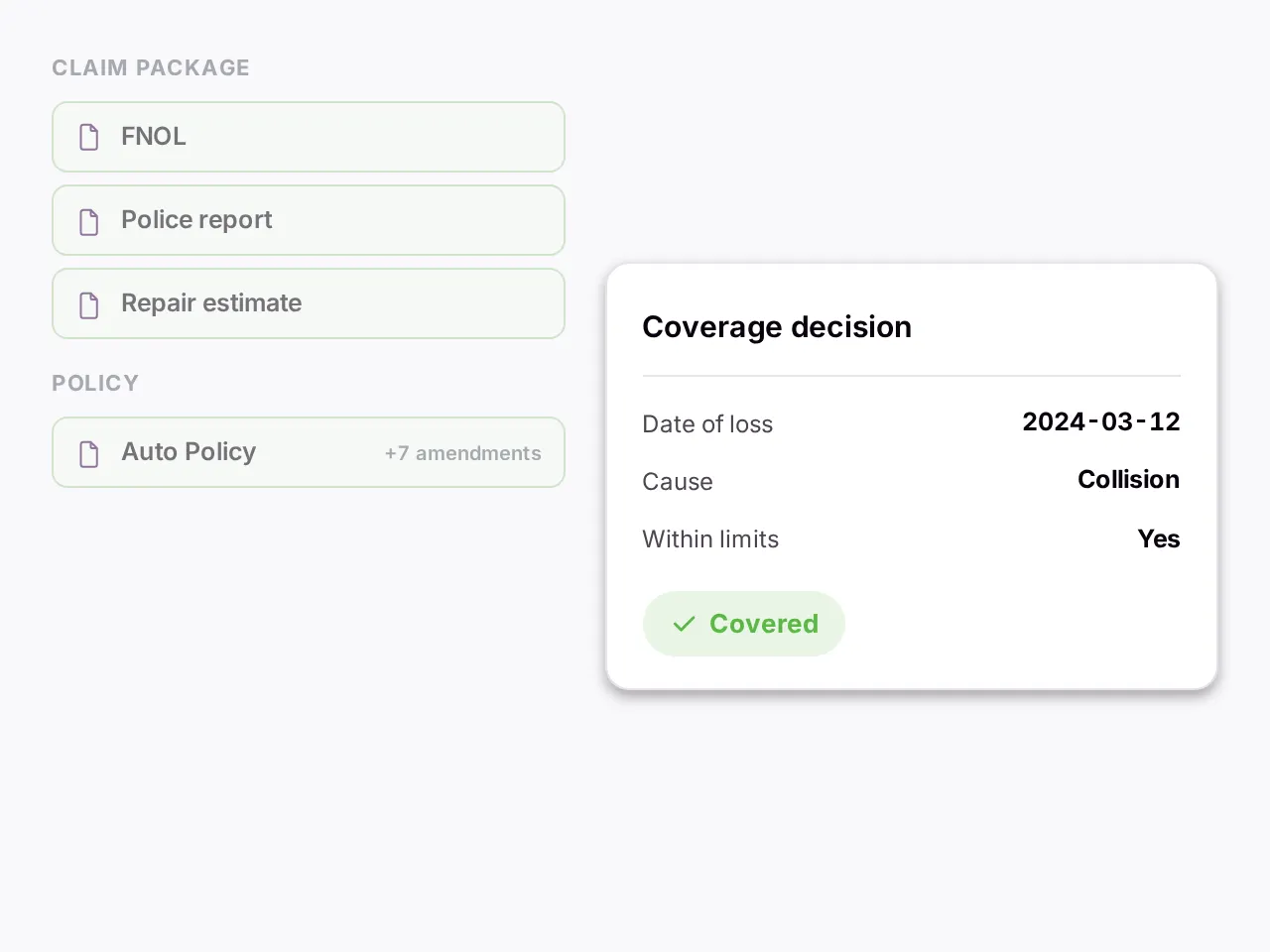
Claims and underwriting teams use it for claims file review, policy comparison, and submissions checked against appetite guidelines. Take a claims file. The set is a claims package. Six supporting documents that each say something slightly different. A policy with seven amendments. Your job is to reconcile what happened against what is covered, and to be able to show your reasoning to a regulator two years later. Reading is the scaffold. Reconciling is the work.
How it works here
Pull the files you need first. Smart Search and Selection takes a description, "auto claims under ten thousand" or "workers compensation filings missing a physician note", and assembles that set out of the queue. Then run the Data Extractor over the policies and claim documents with the fields your decision needs: dates of loss, coverage limits, exclusions invoked, amendments in force. One row per document, each cell cited to the page. For the coverage question itself, the Individual workflow asks it of every supporting document and returns a per-document answer. You see which document supports the position and which contradicts it, instead of a wall of prose that blends them.
Where the question needs the policy and the claim held side by side, a Focus chat on the bundle does that. Does the amendment in force at the date of loss change the exclusion. Which statement conflicts with the adjuster's report. The assistant reads the policy and searches the claim documents. It reads what it found and searches again. Each claim in the answer opens the source at the page. When a decision is challenged months later, the record of what was read and where it came from is part of the answer rather than something to reconstruct.
In practice
A water damage claim arrives with the policy, four endorsements, the claim form, two contractor estimates and an adjuster's report. The question is whether the exclusion for gradual seepage applies given the endorsement issued three months before the loss. A Focus chat reads the base exclusion, finds the endorsement that narrows it, reads the date of loss off the claim form, and answers with three references: the exclusion, the endorsement, the claim form. Click each one and the document opens at the clause or the field. The follow-up, whether the two estimates describe the same cause of loss, runs inside the same set. The decision record you write cites the same references. Someone else can reconstruct the file two years later.
Related jobs
- Comparing two policies clause by clause is a Focus chat question with both in the set.
- Checking a claim file for the documents a coverage position needs is Blueprint with your checklist as the reference.
- Pulling the same fields from a month of claim forms is the Data Extractor.
- Subrogation research inside the file works the same way.
- Underwriting a submission against appetite guidelines is Blueprint with the guidelines as the reference. The pricing stays in your models.
Limits
- Not a claims administration system. There is no intake, no reserving, no payment, no routing between adjusters.
- It does not price risk and it is not a fraud model. It reads documents.
- Photographs of damage are only seen when they sit inside a document, since standalone images cannot be uploaded. Reading images inside a file is capped per question and needs a model that can see.
- Scanned forms are read on upload. Handwriting on a claim form is the ceiling.
- The output is a structured record of what the documents say, with its sources. The coverage decision is yours.
Other tools to consider
- A claims platform for the lifecycle.
- Your own actuarial tooling for pricing.
- ChatGPT or Claude for a single claim you will never need to defend.
Getting started
- Upload one closed claim file, everything in it, and label it.
- Ask the coverage question you already know the answer to. Check whether the citations land on the clauses you would have cited.
- Run the Data Extractor over a month of claim forms with the fields your intake needs.
- Test a scanned handwritten claim form early. It is the ceiling. Photographs need to be inside a PDF to be read at all.
Read more on the insurance page and in the docs on asking every document the same question and extracting structured data.
Banking and finance: reading filings into a spreadsheet
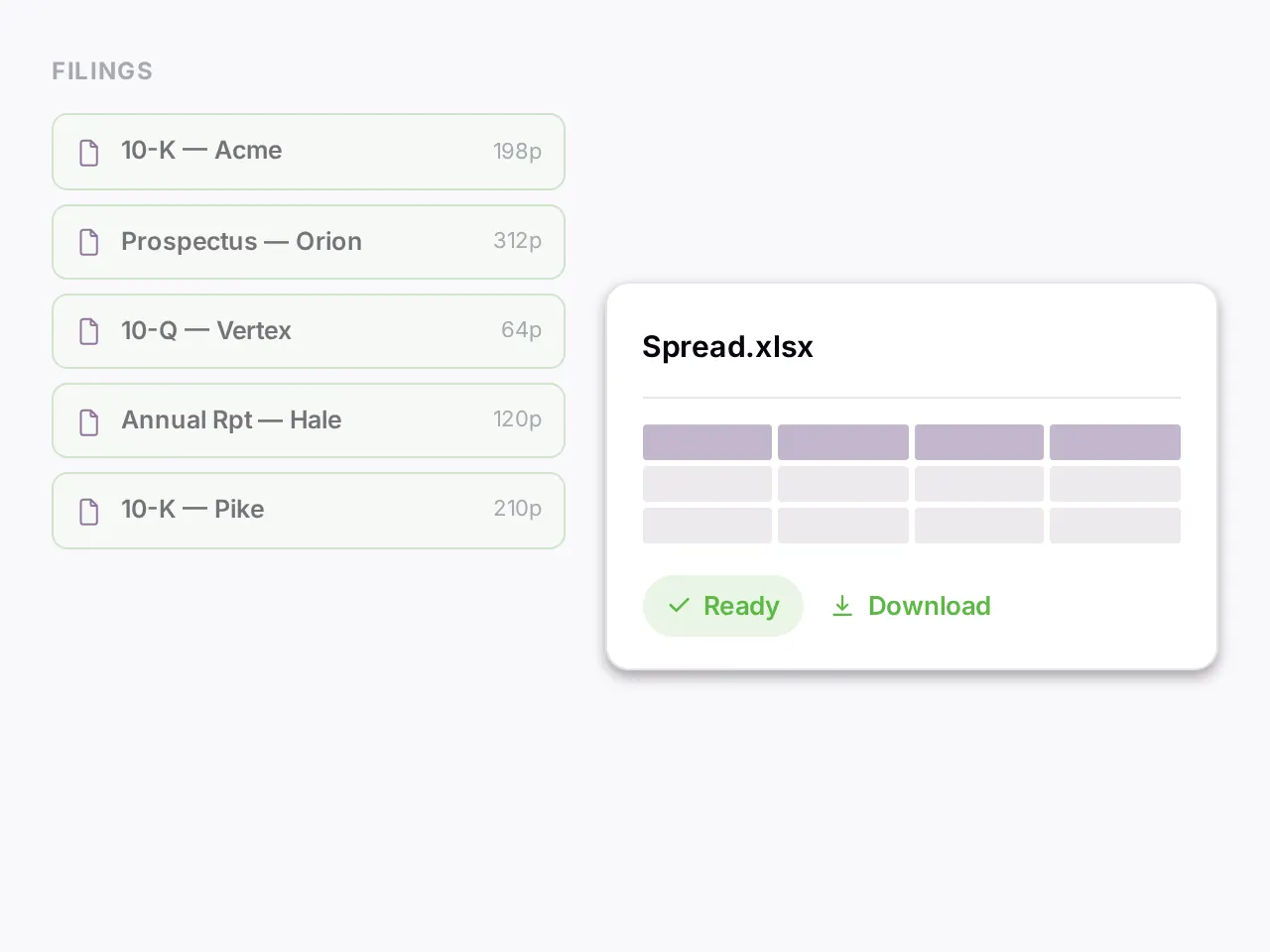
Analysts use it for filings, credit submissions, KYC packs, and due diligence checklists. Take reading filings into a spreadsheet. The set is the 10-Ks and prospectuses behind a coverage list, or the credit submissions across a book. Spreading is data entry. Reading the filing carefully enough to spot the segment shift or the contingent liability in note 14 is analysis. The data entry takes the day.
How it works here
Drop the filings into a label and give the Data Extractor the schema: revenue by segment, debt maturity schedule, capex by year, the covenant terms. It returns a spreadsheet with one row per filing and every cell cited to the page it was read from. Verify a figure by clicking, not by rereading the filing. When the filing is itself a spreadsheet, the citation opens the exact cell. Charts and tables that only exist as images inside a PDF are read too, by a model that can see, within a cap per question.
For the questions that need two parts of a filing held together, open a Focus chat. Does the risk section contradict management's discussion of results. What changed in the debt footnote between the 2023 and 2024 filing. A filing repeats its headings, and a 10-K can carry several sections all headed "Item 7". Those are told apart when the document is indexed, so a citation opens the section it means rather than the first one with that name. Across a book of credits, Smart Search and Selection assembles a set from a description, "credits with covenants worth flagging", before you open a single one.
The same schema runs against a US 10-K, an EU annual report and an emerging-market prospectus, because every document is converted to one internal shape before anything reads it.
In practice
Two annual filings from the same issuer, and the question is whether segment reporting changed between them. A Focus chat pulls the segment note from each filing, reads both in full, and compares. The answer names the segment that was folded into another and quotes the sentence in the later filing that says so. It carries two references, one per filing, each naming its document. Ask for the segment revenue from both years as a spreadsheet and it arrives as a download with each figure cited to the page. The debt maturity schedule that only exists as a table image in the older filing is read by a model that can see. The cell it produces is checked by clicking through to the image.
Related jobs
- Financial statement spreading into your template is the Data Extractor with the template as the schema. The mapping to your chart of accounts stays in your system.
- A credit memo drafted from the submission is Co-work chat with the submission in the set.
- A commercial loan underwriting checklist run against a submission is Blueprint with the checklist as the reference. Financial due diligence against a checklist is the same run.
- KYC document review pulls the fields from the identity and ownership documents into one table, with each field cited.
Limits
- Not a spreading system. It does not map extracted figures to a chart of accounts or to a GAAP or IFRS template.
- It does not calculate ratios unless you ask for them in the chat, where they are a candidate calculation to check.
- It carries no market data and is not a terminal.
- Every extracted number is verified by you against the cited page before it enters a model.
- Filings arrive by upload or URL. It does not connect to EDGAR or a data vendor.
Other tools to consider
- A spreading system such as nCino or Baker Hill when the requirement is the credit workflow.
- A terminal for market data.
- ChatGPT or Claude for a single filing you are reading once.
Getting started
- Upload two consecutive annual filings from one issuer.
- Ask what changed in the risk factors. Click three citations.
- Run the Data Extractor with the ten line items you spread most often. Compare the spreadsheet to last quarter's by hand.
- Test the image cap on the filing with the image-only tables.
Read more on the banking and finance page and in the docs on extracting structured data and reading and citing original documents.
Government and public sector: records review with a defensible trail
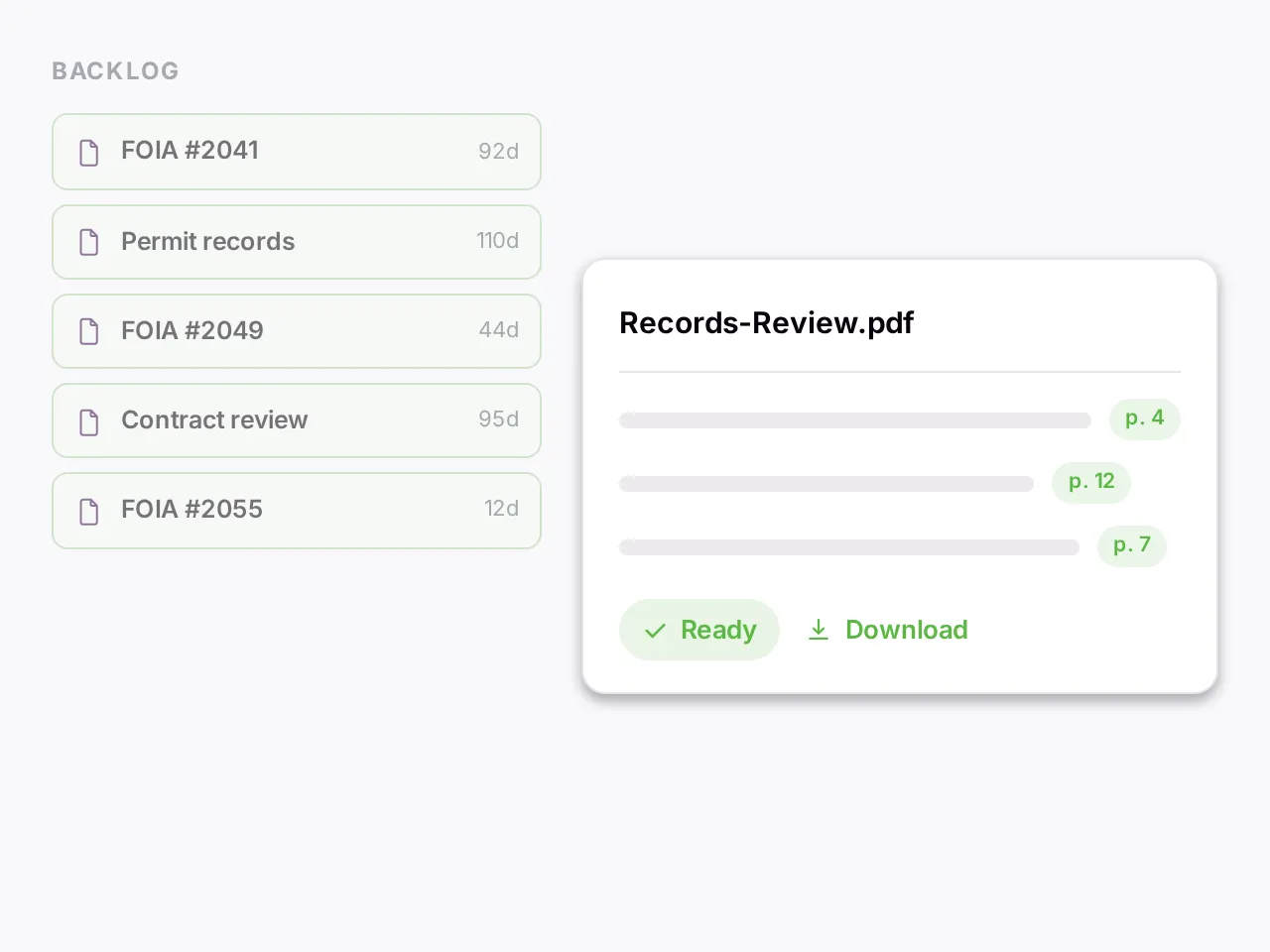
Public-sector teams use it for records requests, policy consistency reviews, grant and permit applications, and public comment dockets. The set is a backlog of records requests, a policy corpus under a consistency review, or a stack of intake forms. Every action has to be defensible to the public, to oversight, and to a court if it comes to that. The reading is unavoidable. The defending is what makes the reading slow, because every answer has to carry its source.
How it works here
Sort before you read. Smart Search and Selection takes a description of what needs attention first, "requests involving confidential information" or "requests older than ninety days", and pulls that set out of the queue. For a consistency review, the Summarizer produces one digest per document at the length and format you set, and the Individual workflow asks the same question of every document and returns a per-document answer. Consistency comes from running one pass, not from remembering how the last file was handled. The Data Extractor pulls standard fields from intake forms and applications into a table, each cell cited to the form it came from.
For the question that spans the corpus, a Focus chat searches, reads, and searches again. Each claim opens the document at the page. When a decision is questioned months later, what was read and where it came from is already attached to the decision.
In practice
Sixty open records requests, and the office needs to know which ones seek personnel records before the statutory clock runs. Smart Search and Selection assembles the candidates from a one-line description. The Individual workflow then asks each request the same question, does this request seek personnel records, and returns a yes or no per request with the passage that decided it. Two of the yeses are borderline. Open the run in a Focus chat, ask why those two were read as personnel requests, and the citation opens each request at the sentence. The triage list goes to the officer with the reasoning attached. The officer signs it or overrides it.
Related jobs
- A policy consistency review across departments is the Summarizer for uniform digests, then a Focus chat for where two policies conflict, with each conflict cited to both.
- Grant application review against the criteria is Blueprint with the criteria as the reference.
- Pulling standard fields from permit applications into a table is the Data Extractor.
- Public comment analysis across a docket is the Individual workflow with the same question per submission.
- Redaction is not one of them. Documents are read-only. The redaction tool you already use keeps that job.
Limits
- Not a records management system or a request portal. There is no intake, no case tracking, no deadline clock.
- No redaction tool, since uploaded documents are read-only.
- Processing happens primarily in the United States, and a request reaches the model provider you select. The security page says where each provider operates and what reaches it. Read it before uploading anything with a residency or classification constraint.
- Single sign-on through your identity provider is available on Enterprise plans.
- The product hands back cited candidate answers. The determination stays with the officer who signs it.
Other tools to consider
- A records or case management system for the lifecycle.
- For material that cannot leave a jurisdiction, check the security page first and decide from there.
Getting started
- Upload one month of closed requests and their responses, and label them.
- Ask the triage question you answered by hand last month. Compare the two lists.
- Read the security page before uploading anything that carries a residency or classification constraint.
Read more on the government page, in the docs on summarizing a collection, and on the security page.
Management consultancy: getting across engagement materials in week one
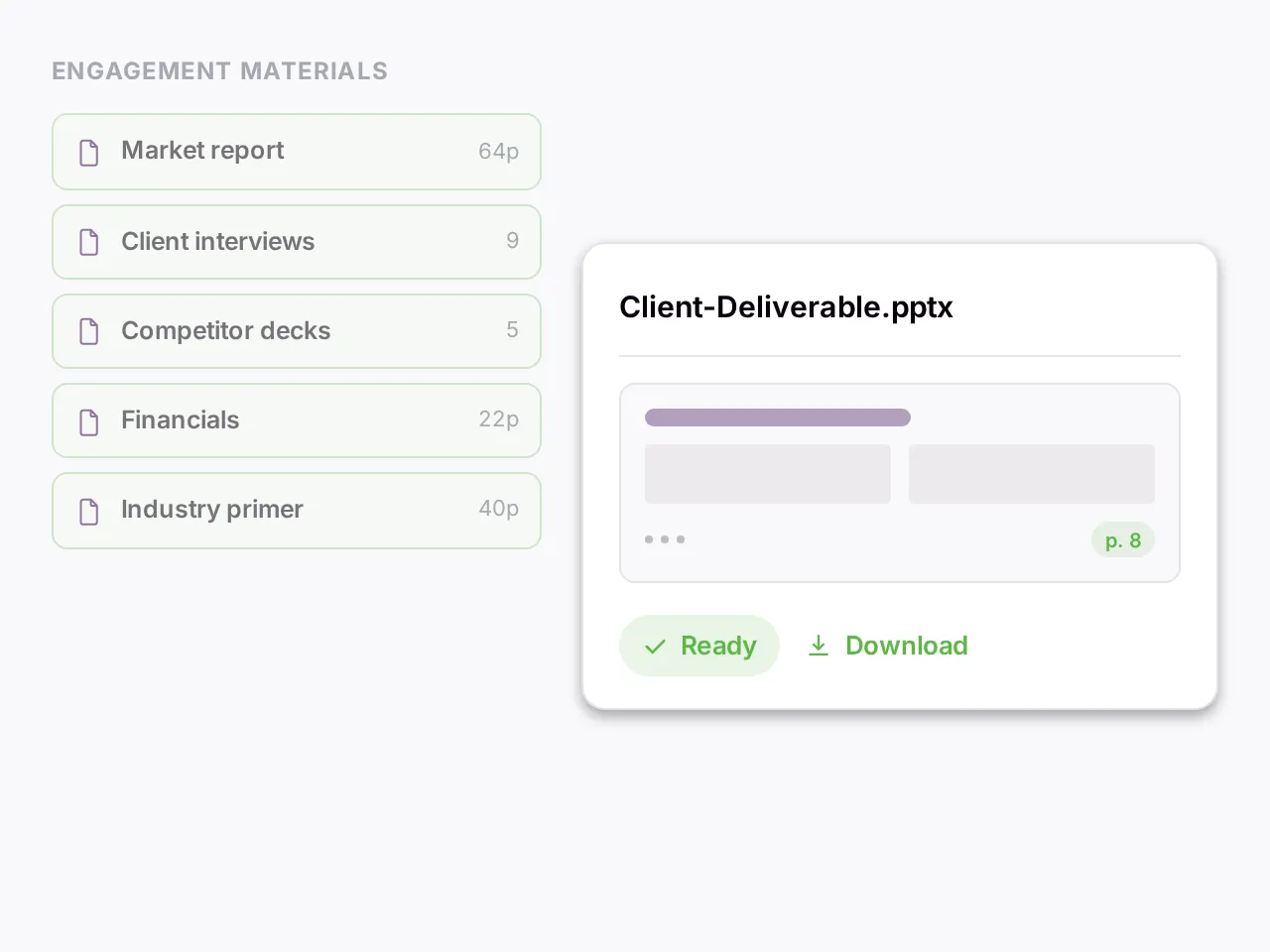
Consultants use it for getting across an engagement, data room review, benchmarking from annual reports, and interview synthesis. Take week one. The set is everything the client handed over: board decks, financials, prior reports, interview notes. You were brought in for judgment. The first week is reading material you did not write, in a domain you do not yet own, looking for the angle the client has not seen. The reading is unavoidable. The speed of it is what decides the margin.
How it works here
Load the materials into a workspace for the engagement and open a Focus chat on them. Ask the question the client is paying for. The assistant searches, reads, and searches again. Each claim opens the source at the page. The first week of reading becomes a conversation you can check. Run the Summarizer across the corpus for uniform digests. Run Blueprint to compare each document against a reference framework and get gaps and matches per document.
Then draft. Co-work chat is a canvas editor where the deliverable gets written alongside the assistant, and the citations attach to the engagement material as you write. When a client questions a number in the readout, the answer is one click rather than one afternoon. Leave with the draft as a PDF, the tables as a spreadsheet, or the document as a Word file after conversion. Each engagement lives in its own workspace. Deleting the workspace removes its contents.
In practice
A client hands over three years of board decks, the finance pack, a customer survey and a competitor study on day one. The question the partner wants answered by Friday is what the client's own material says about churn, and where the sources disagree. A Focus chat on the workspace finds the churn figures in the finance pack, the different definition the board deck uses, and the survey's stated reasons for leaving. It answers with the discrepancy named and three references, one per source. Ask for the reconciliation as a table, and the spreadsheet arrives with each cell cited. The draft of the Friday memo is written in Co-work chat with those citations attached. It leaves as a PDF the partner can mark up.
Related jobs
- Data room review in a diligence engagement is the same job with a checklist as the reference.
- A management presentation checked against the underlying numbers is a Focus chat question per claim.
- A benchmarking table built from a stack of annual reports is the Data Extractor.
- An interview note set summarised to one digest per interview is the Summarizer.
- The deck is not one of them. The cited draft and the tables are what leave the workspace. The slides get built in your slide tool.
Limits
- It does not build slides. There is no PowerPoint output, so the deck is made in your slide tool from the cited draft and the tables.
- Not a firm-wide knowledge base. Workspaces are per project, and sharing across a team needs a Team plan.
- It reads what you upload and nothing beyond it.
- The draft it produces is grounded in the client's material. It is not a substitute for the judgment the client is paying for.
Other tools to consider
- ChatGPT or Claude for a memo with no sources to hold to.
- Hebbia if the firm buys the enterprise wrap.
- Your slide tool for the deck, which docAnalyzer will not replace.
Getting started
- Create a workspace for the engagement and upload what the client sent, decks and spreadsheets included.
- Ask the question the client is paying for. Note how many searches the assistant runs before answering. Click three citations.
- Save the answer as a Note and open it in Co-work chat. See whether the draft that comes out is one you would send to the partner.
Read more on the management consultancy page and in the docs on capturing context with notes and what you can generate.
Operations and strategy: RFP scoring and vendor contract normalisation
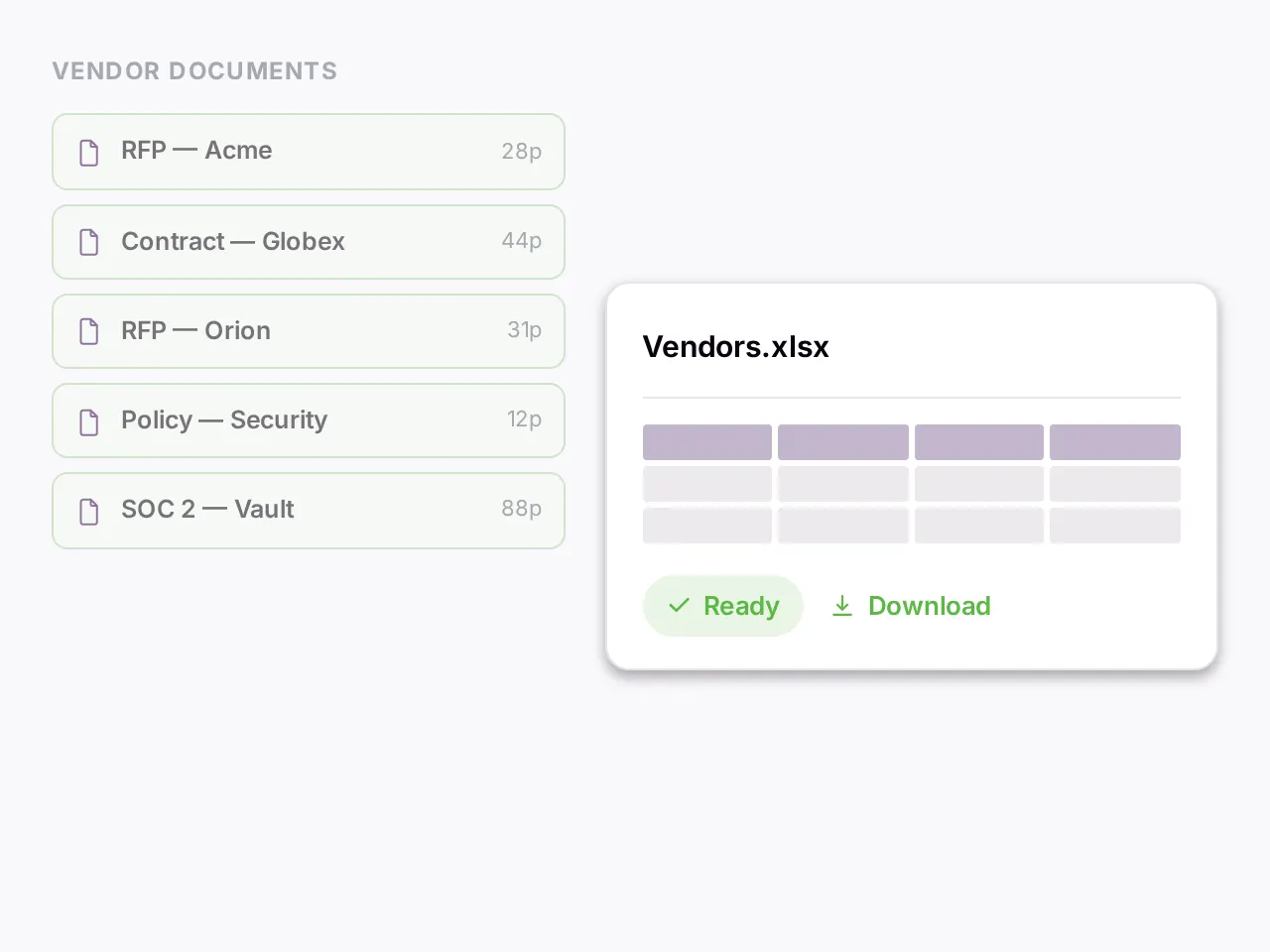
Operations teams use it for RFP scoring, vendor contract normalisation, security questionnaire review, and a policy library that answers questions. The set is a round of proposals against a scoring rubric, a vendor contract portfolio nobody has normalised, or an internal policy library people search by asking a colleague. The volume is not the problem. The cycle time between "received" and "acted on" is the problem. Most of that time is reading.
How it works here
Blueprint runs the proposals against your rubric and returns a comparison per vendor: strengths, gaps and risk flags, each cited to the proposal it came from. The vendors are judged against the same criteria in the same pass, which is what makes the comparison fair. The Data Extractor pulls your standard fields from each vendor agreement into one portfolio table: renewal date, auto-renewal terms, indemnity caps, data-handling clauses. That table is what makes a set of differently worded contracts comparable at all, and each cell is cited to the page. For the policy library, a Focus chat scoped to it answers a question with the paragraph it came from, instead of returning a list of documents to open.
Formats mix. PDF, Word, Excel exhibits and scanned originals sit in one set. The same rubric or schema runs across all of them.
In practice
Seven responses to an RFP for a managed service, and a scoring rubric with eight criteria. Blueprint runs the rubric against each response and returns a per-vendor report: which criteria are met, which are missing, which are met with a caveat, each finding cited to the page of the proposal. The follow-up, which vendors commit to a four-hour response time in writing rather than in a summary table, is a Focus chat question across the seven responses. The answer names three and cites the clause in each. The comparison table goes to the steering group as a spreadsheet. Any cell can be traced back to the proposal it came from.
Related jobs
- Vendor security questionnaire review against your control set is Blueprint with the controls as the reference.
- Auto-renewal dates across a vendor portfolio is the Data Extractor with the renewal terms as the schema.
- A policy library that answers questions is a Focus chat scoped to it, or a chatbot spawned from its label for people who should ask it themselves.
- Statement of work review against the master agreement is a Focus chat with both in the set.
- Invoice reconciliation is not one of them. Reconciling charges against a ledger is spreadsheet work over records you keep elsewhere.
Limits
- Not a procurement or vendor management system. There is no sourcing event, no supplier onboarding, no renewal alert, no approval workflow.
- Not a policy management system with versioning and attestation.
- A score it assigns against your rubric is a candidate you check before it reaches the decision.
- It does not pull contracts from a repository. You upload the set.
Other tools to consider
- A procurement platform for the lifecycle.
- A contract lifecycle system if renewals and approvals are the problem rather than the reading.
- ChatGPT or Claude for one RFP response.
Getting started
- Upload one closed RFP round and the rubric you used. Run Blueprint and compare the result to the scores your team gave.
- Upload the vendor agreements from one category and run the Data Extractor with the renewal and indemnity terms.
- Check the cells that surprise you.
Read more on the operations and strategy page and in the docs on auditing against a reference and extracting structured data.
Human resources: handbook answers and employment contract tables
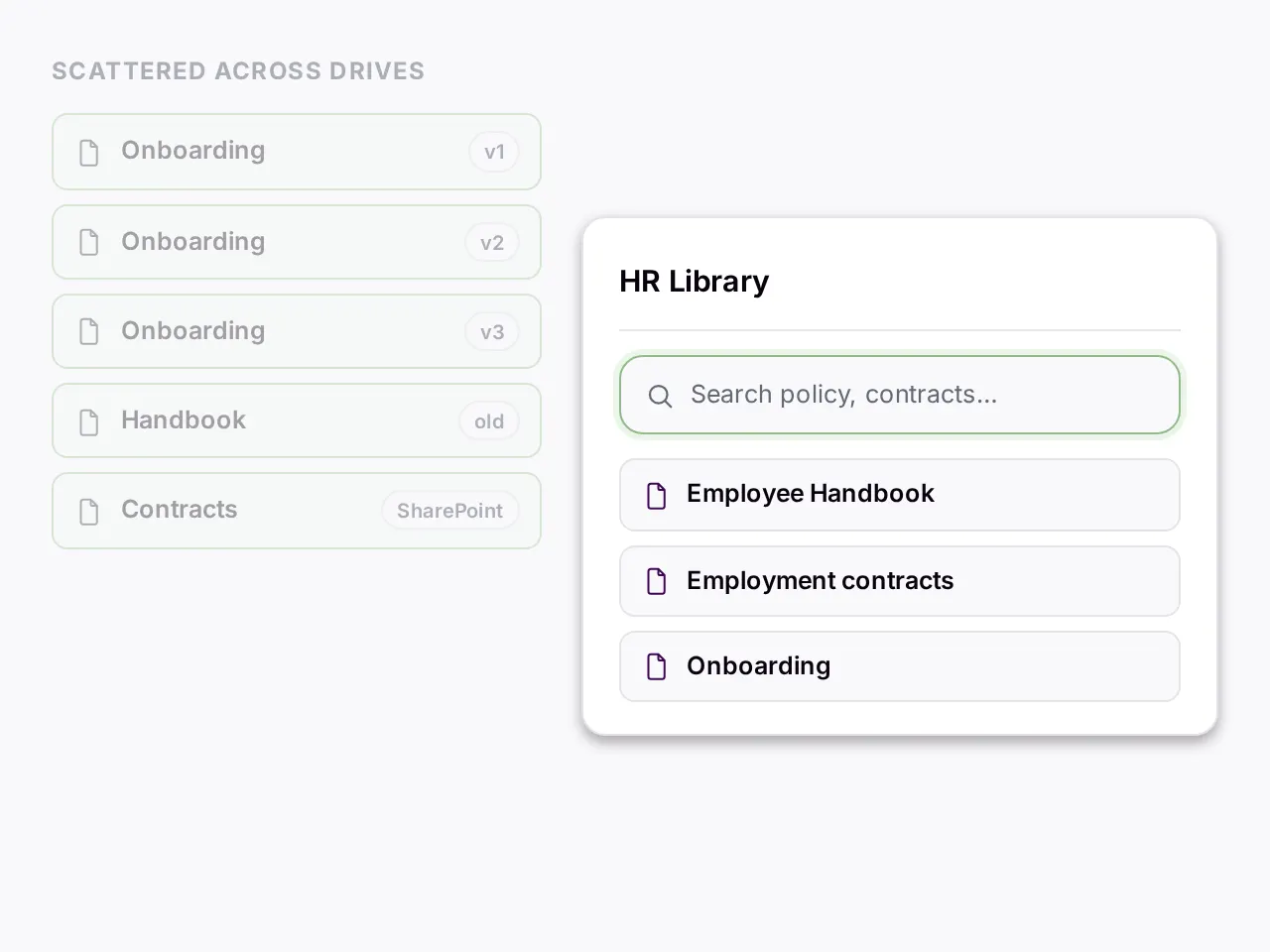
HR teams use it for handbook questions, employment contract tables, policy drafting, and onboarding consolidation. The set is the handbook nobody can find the right section of, the two hundred employment contracts buried in a shared drive, and the onboarding documents that exist in three versions. HR's document problem is not volume. It is findability when it counts, with the source attached.
How it works here
A Focus chat scoped to the handbook, the policies and the procedures answers an employee's question with the clause it came from. A question about parental leave returns the answer and the paragraph, not "I think it is in the handbook somewhere". The Data Extractor pulls your standard fields from each employment contract into one table: start date, compensation, equity, restrictive covenants, jurisdiction. That is how you find the one agreement with different notice terms. Co-work chat drafts a new policy or an onboarding document alongside you, with citations to the existing material you are building on.
For a handbook that employees should query themselves, a chatbot spawned from the handbook's label answers with cited passages and needs no account. A chatbot is reachable by anyone with the link, so it suits a handbook and not a contract set.
In practice
An employee asks how many days of leave a non-birthing parent gets, and whether it differs for the team in another jurisdiction. A Focus chat on the handbook and the regional addenda finds the base policy, finds the addendum that changes it, and answers both parts with a reference each. Click one and the handbook opens at the paragraph. The same question asked of the chatbot spawned from the same label gets the same cited answer without anyone in HR reading it. For the contracts, the Data Extractor pulls notice period, restrictive covenants and governing law from two hundred agreements into one table. The one agreement with a six-month notice period shows up in a sort rather than in a rereading.
Related jobs
- An employee handbook review against a policy checklist is Blueprint with the checklist as the reference. An HR audit against a control set runs the same way.
- Consolidating three versions of an onboarding document into one is Co-work chat with the three in the set and citations to each. Drafting a new policy from the existing ones is the same surface.
- Reviewing job descriptions for consistency across a department is the Individual workflow with the same question per description.
- Screening applicants is not one of them, by design.
Limits
- No screening features. There is no candidate scoring, no ranking, no applicant tracking integration. What you ask of the documents you upload is your call and your responsibility under your jurisdiction's rules on automated employment decisions. People decisions stay with people.
- Not an HRIS. It holds no employee records beyond the documents you upload.
- You control retention by deleting what you uploaded. The security page is worth reading in full given what sits in an HR file.
Other tools to consider
- An HRIS for records.
- An applicant tracking system for hiring.
- ChatGPT or Claude for drafting a policy from scratch with no existing material to cite.
Getting started
- Upload the current handbook and the regional addenda, and label them.
- Ask the three questions employees asked most last month. Check that each citation opens on the paragraph you would have quoted.
- Spawn a chatbot from that label and ask the same questions as an employee would.
- Keep employment contracts in a separate label. Read the security page before uploading them.
Read more on the human resources page and in the docs on embedding a chatbot and extracting structured data.
How to judge an AI document review tool
Six questions, each with a test you can run in an afternoon on your own documents. Then what each kind of tool is good at.
Does it search more than once?
Give it your standard and twenty agreements. Ask which of the twenty deviate from it. A tool that searches once answers from whatever its first query happened to reach, because it decided what to look for before it had read the standard. A tool that searches in rounds reads the standard, then looks for the corresponding clause in each agreement, then looks again where it came back thin. The difference does not show on an easy question. It shows on the question you get paid for.
Do citations open a location, or gesture at one?
Click three of them. A page number written into a sentence is a guess the model made, and models are confident about page numbers. A reference the application resolves opens the page, the section, or the cell. If the link opens on the wrong page, or on nothing, the tool is asserting rather than citing. Every claim it makes then has to be reread from scratch.
Does it hold the set?
Upload the real set, not a sample. Two hundred documents, a few scans among them, a spreadsheet exhibit, one file that runs to five hundred pages. Watch what the two-hundredth document does to search time and to the answer. Then ask a question that only the scans can answer. Find out whether the scans were read.
Do you leave with the file you owe?
Ask for the result as a spreadsheet with the clause and the document name in each row. Then ask for that spreadsheet as a PDF. A tool that returns prose you copy out by hand has done half the job. A tool that hands you the file has done the part somebody was waiting on.
What happens to the documents?
Whether they are used to train models. Whether they are isolated from other customers. Whether deleting them deletes them. Which provider sees a request, and where that provider operates. A tool that publishes those answers can be checked. A tool that does not has left you to guess.
What does it cost to find out?
A published price and a free plan mean you can run the five tests above today. A sales call, a discovery session and a security review mean you will find out next quarter, after procurement, whether the tool does the job.
What each kind of tool is good at
General assistants. ChatGPT, Claude and Gemini are free or already paid for, and fluent. They are the right tool for one document you are reading once. They search a set once, if at all, and a citation is a page number written into prose. For a recurring job on a large set that somebody has to defend, they fall short there.
Chat-with-PDF tools. ChatPDF and its cluster do one thing well: one PDF in, an answer out, for a few dollars a month. When the work stays at one document at a time, they are the cheaper tool. When it needs the set, a file back, or a draft with citations, it has outgrown them. The ChatPDF comparison says where that line falls.
Enterprise platforms. Hebbia and Harvey sell the wrap: a customer success manager, custom integrations, an SLA, and a security review shaped for procurement, at a six-figure floor. Teams that need the wrap should buy it. Teams that need the review can start this afternoon. The Hebbia comparison sets out the trade.
Systems of record. Contract lifecycle, lease administration, claims administration and eDiscovery platforms own the lifecycle: intake, approval, alerts, production. They are not review tools, and docAnalyzer is not one of them. The two sit next to each other. The review happens here. The record lives there.
docAnalyzer does the review itself, on sets of any size, self-serve. The set goes in. The search runs until the question is answered. Every claim opens the page. You leave with the spreadsheet, the exception list, or the cited draft.